Skip to content
Resolution
Menu
Introduction
What AI Can Do
Training AI
Prompting AI
Improving Results
Project Folders
Voice Basics
Advertising
Images
Resolution
Social Media Posts
Emails
Texting
Texting/Computer
Craigslist Tips
Shotcut
The Playlist
Timeline
Aspect Ratio
Adding Images
Resizing Images
Adding Slides
Fading In and Out
Adding Text
Adding Audio
Exporting Video
Templates
Practice
Conclusion
<Back
|
Next>
Resolution refers to the clarity and quality of an image
Upsampling means increasing resolution; downsampling means reducing resolution
Understanding when to use each option helps maintain professional-looking graphics
Upsampling is useful when enlarging an image
Helps prevent images from becoming blurry or pixelated
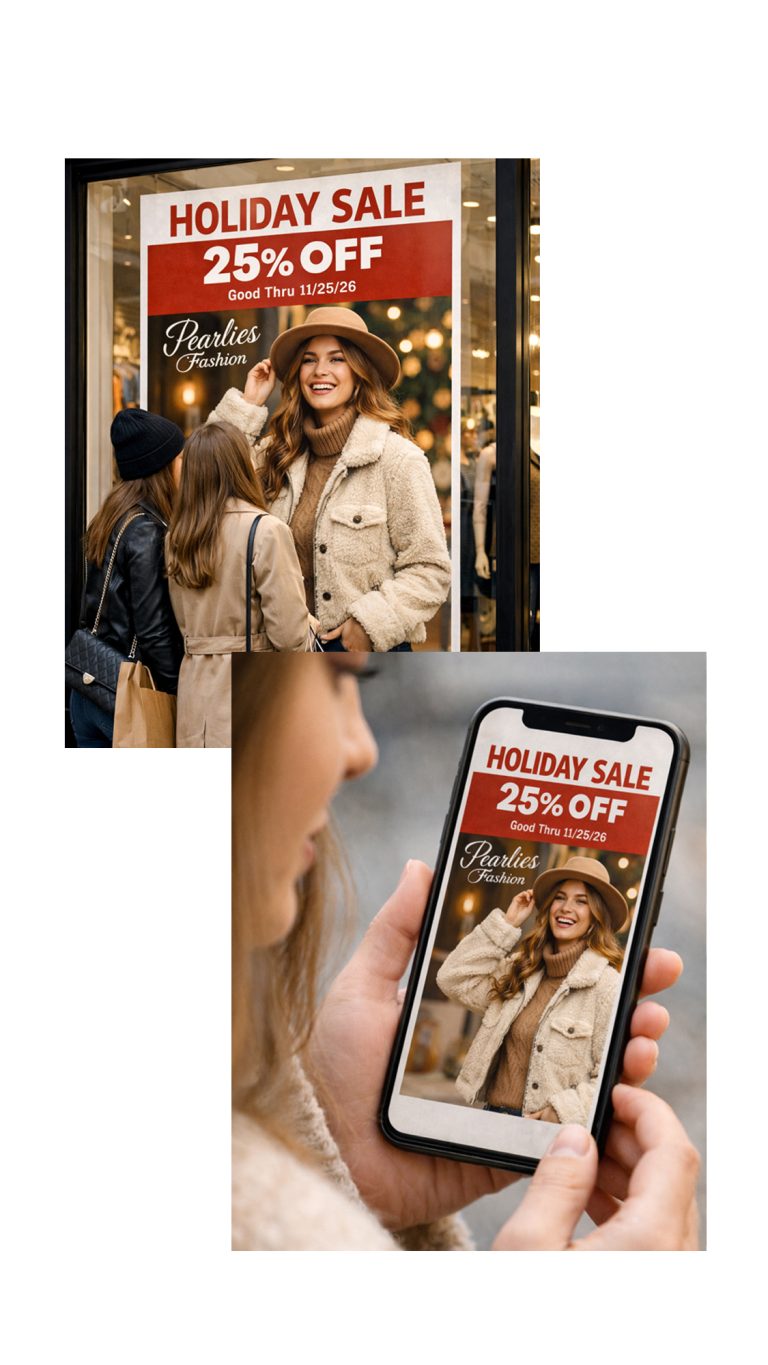
Example: turning a social media graphic into a banner or display sign
Downsampling is used to reduce file size
Helps images load faster on platforms like social media
Maintains acceptable quality while reducing size
Social media graphics typically require lower resolution
Print materials require higher resolution
Display signage often requires very high resolution
Planning ahead is important
Create images at a higher resolution if you may enlarge them later
Understanding resolution allows you to create flexible marketing materials for multiple platforms
error:
Content is protected !!