
Improving Results
Tips for Improving an AI’s Original Presentation
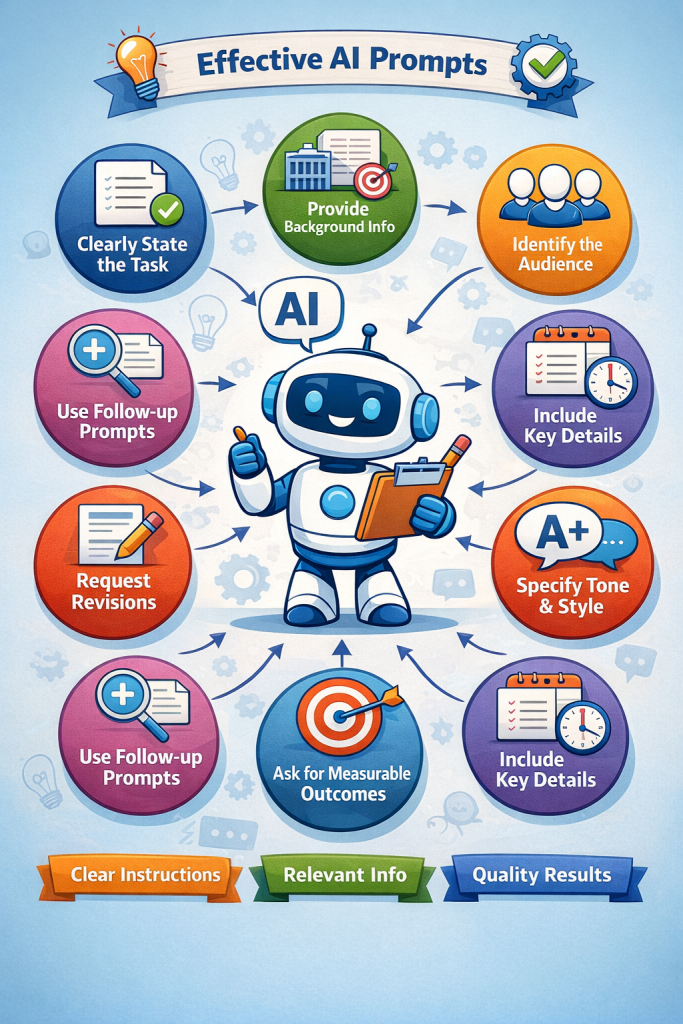
Provide Clear Instructions
Give AI specific directions about length, tone, audience, and format before it generates the presentation.Define the Audience
Tell the AI exactly who the presentation is for (for example, nonprofit staff, beginners, or experienced grant writers).Break the Topic into Sections
Ask AI to organize the presentation into clear segments such as introduction, key points, examples, and summary.Request Specific Time Lengths
If you need a two-minute or five-minute presentation section, specify that in the prompt.Ask for Bullet Points First
Generate bullet points before requesting a full paragraph presentation to ensure the ideas are organized correctly.Refine with Follow-Up Prompts
After the first result, ask AI to simplify, expand, or clarify sections that need improvement.Add Real-World Examples
Prompt AI to include examples or practical scenarios to make the content easier to understand.Request Visual Suggestions
Ask AI to recommend images, icons, or slide visuals that match the topic.Adjust the Tone
If the presentation feels too technical or too simple, ask AI to rewrite it for a clearer and more conversational tone.Edit for Your Voice
Review the AI output and adjust wording so it matches your personal speaking style.Check for Accuracy
Always verify facts, statistics, and claims before using the presentation.Condense for Slides
Ask AI to convert paragraphs into short slide phrases or keywords to improve readability.Use AI for Multiple Versions
Request alternate versions of the presentation to compare and choose the best one.Add a Strong Closing
Prompt AI to include a clear summary or call-to-action at the end of the presentation.
